Learn how real movie shots are built, layer by layer, inside Nuke, the software every major VFX studio uses. Across four connected courses you'll create your first cinematic, studio-quality composite, even if you've never opened Nuke before. Then the Blender / Nuke Workshop shows you how to make your own CG shots on an indie budget.
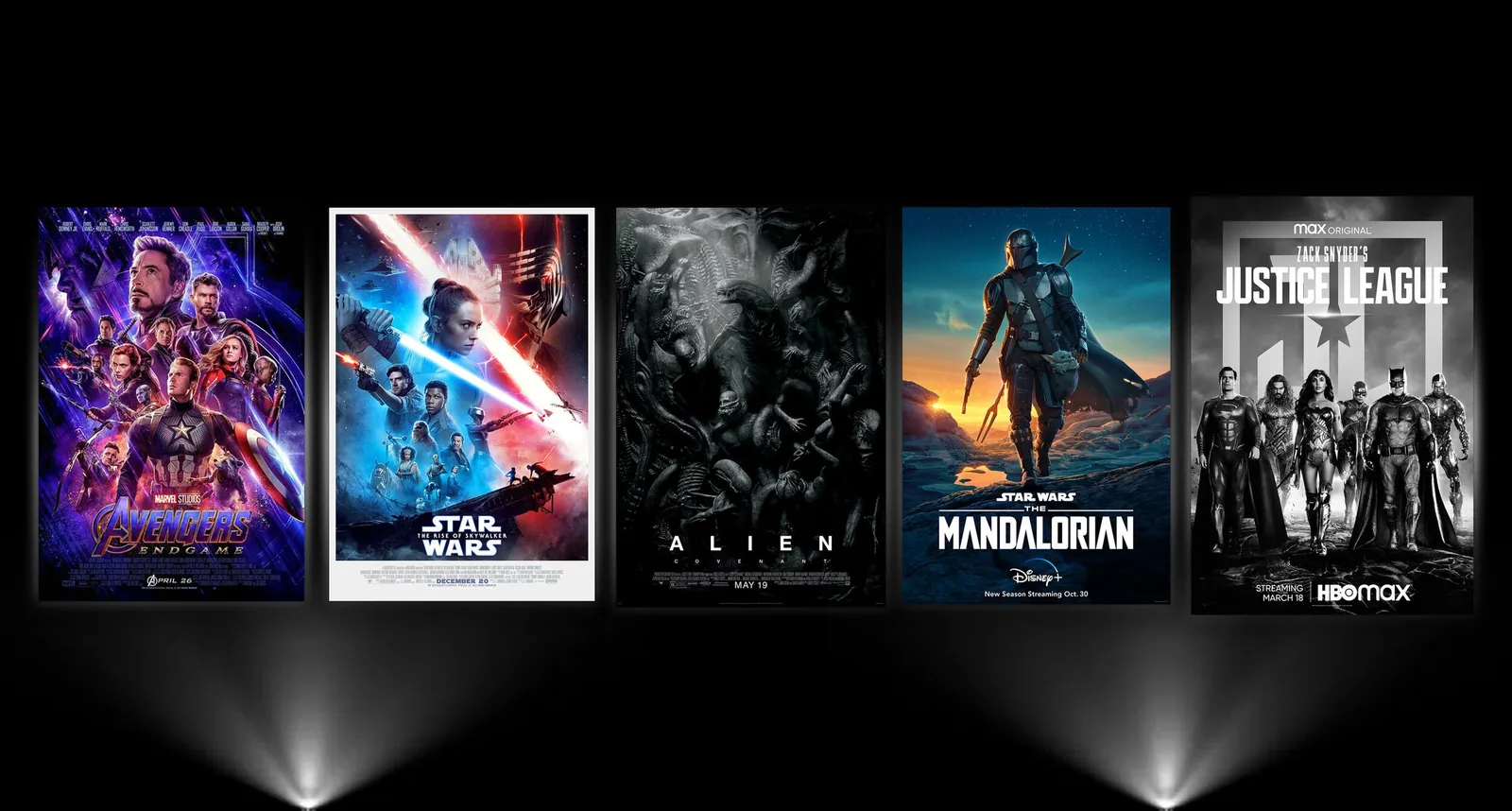
Taught by a Senior Compositor with credits on Star Wars, Avengers, Spider-Man and Alien.

Compositing is where a film shot comes together: actors placed on alien worlds, CG creatures lit into real locations, and every element polished until the audience never questions it. And Nuke is the software every major studio uses to do it.
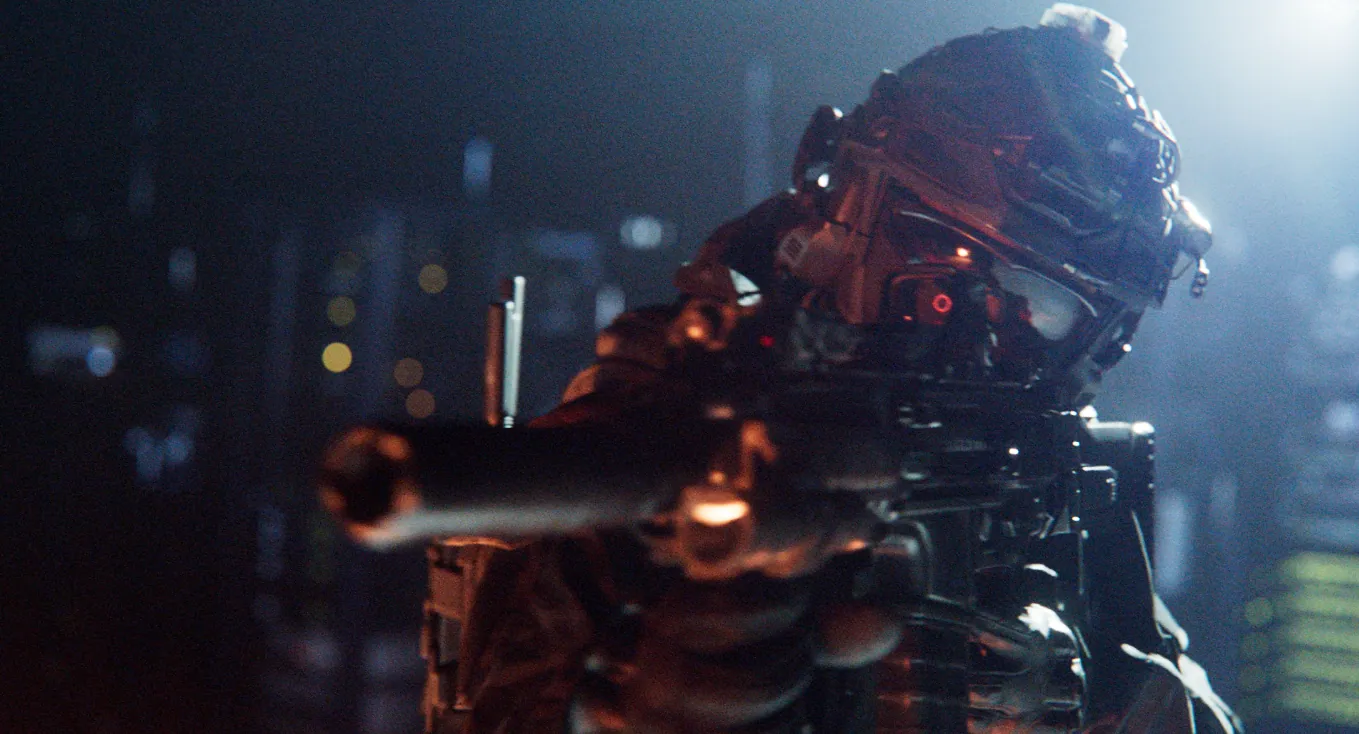
CG integration, set extensions and final-quality shots for the big screen.
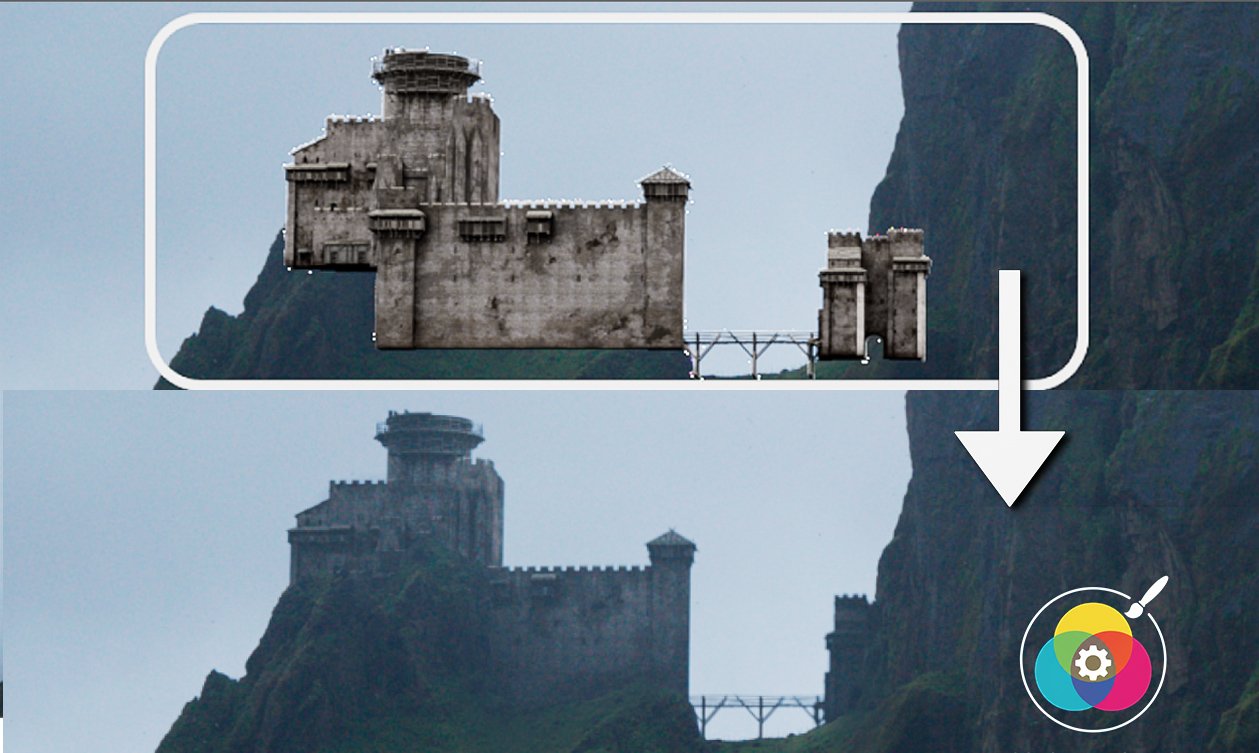
Environments, set extensions and invisible fixes for streaming series.
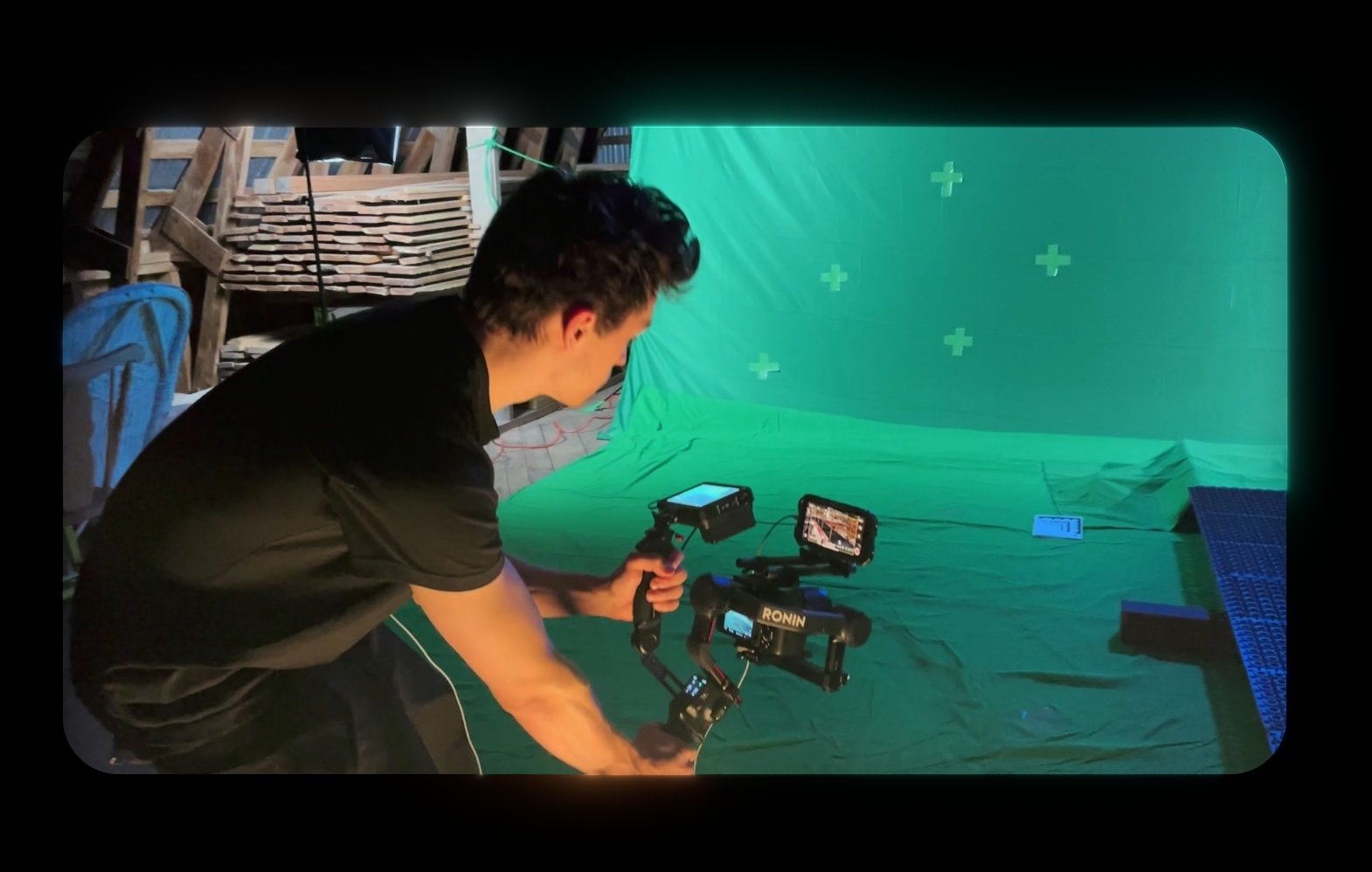
Greenscreen and stage work: clean keys and backgrounds that disappear.
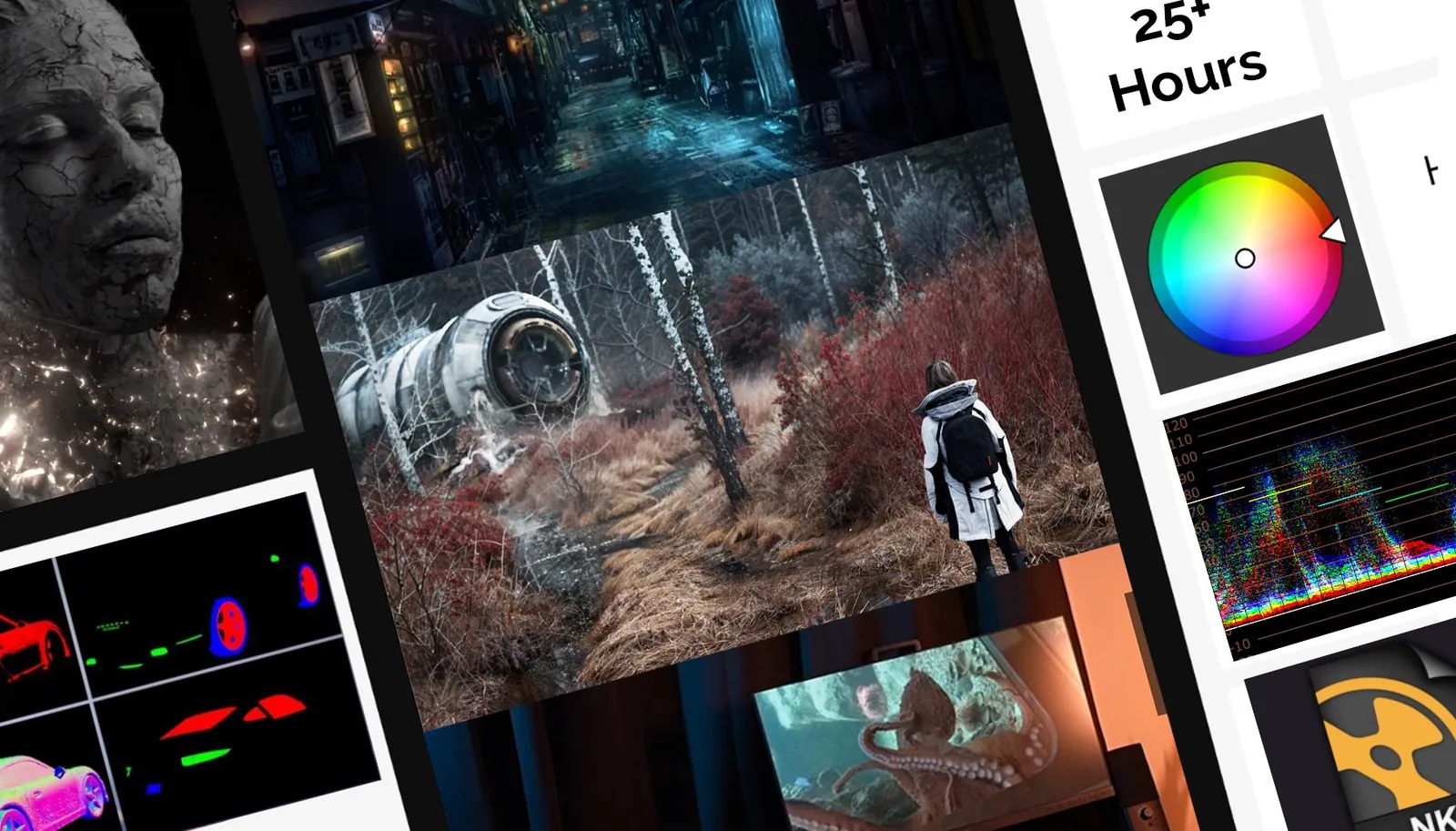
Light, color and lens detail: the last 10% that makes it cinematic.
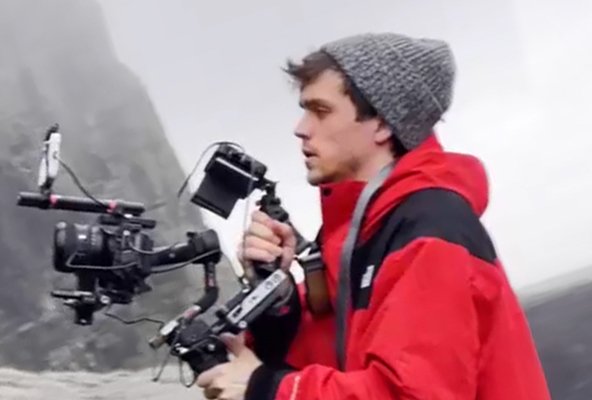
"I switched from After Effects to Nuke, and learning it properly got me into Weta and ILM. This series is the clear path I wish I'd had."
Senior Compositor with feature-film credits on Star Wars, Avengers, Spider-Man and Alien. He founded Compositing Academy to lower the ladder for new artists, teaching the photographic eye behind a shot, not just the buttons.
"Honestly, in his online courses I learned far more than I did in most traditional seminars. If you really intend to get into Nuke, this is it."
Each course builds on the last, so you always know what to learn next. You learn by doing real shots, not by watching theory. Then the Blender / Nuke Workshop puts it all to work on your own CG shots.
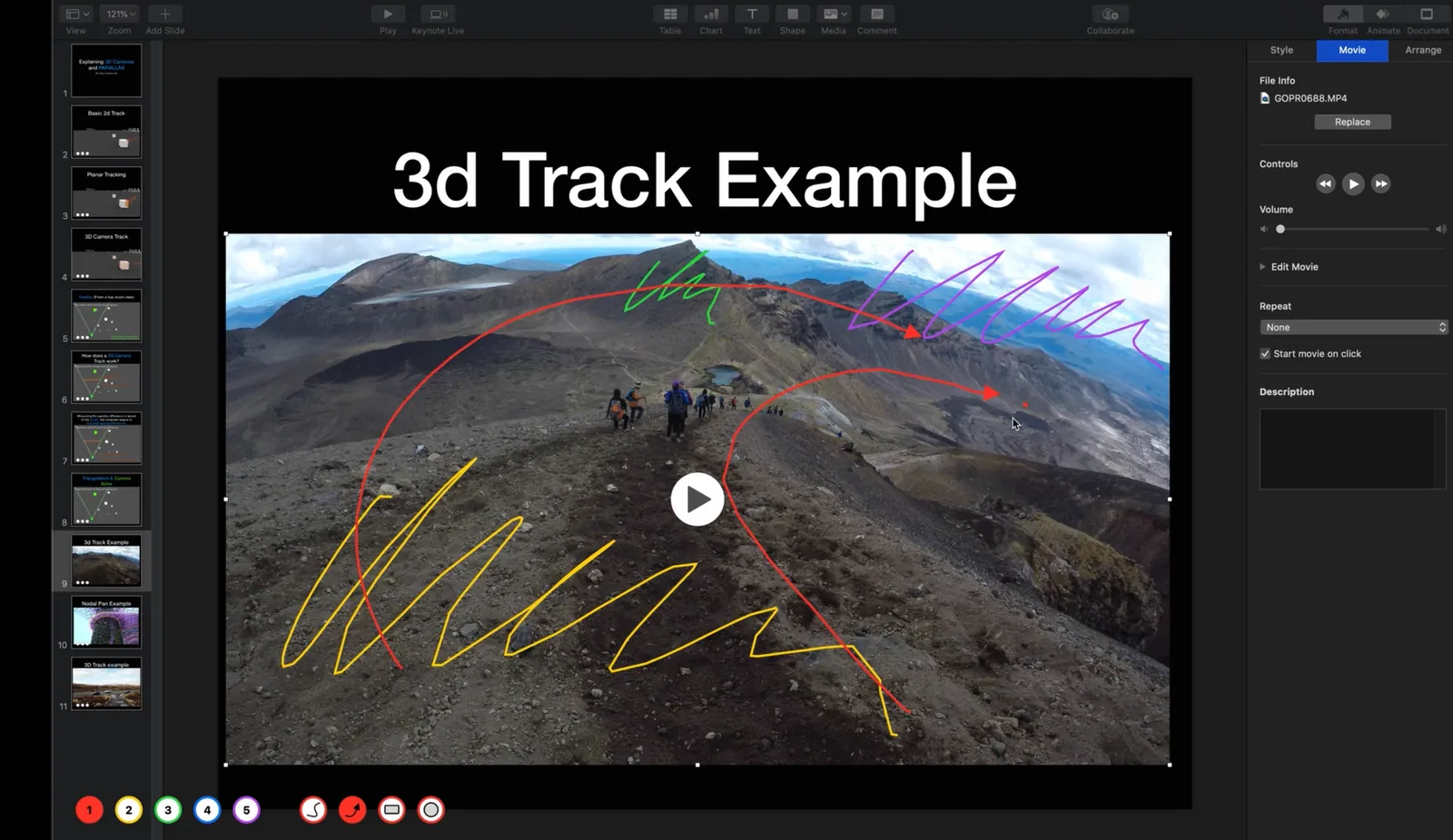
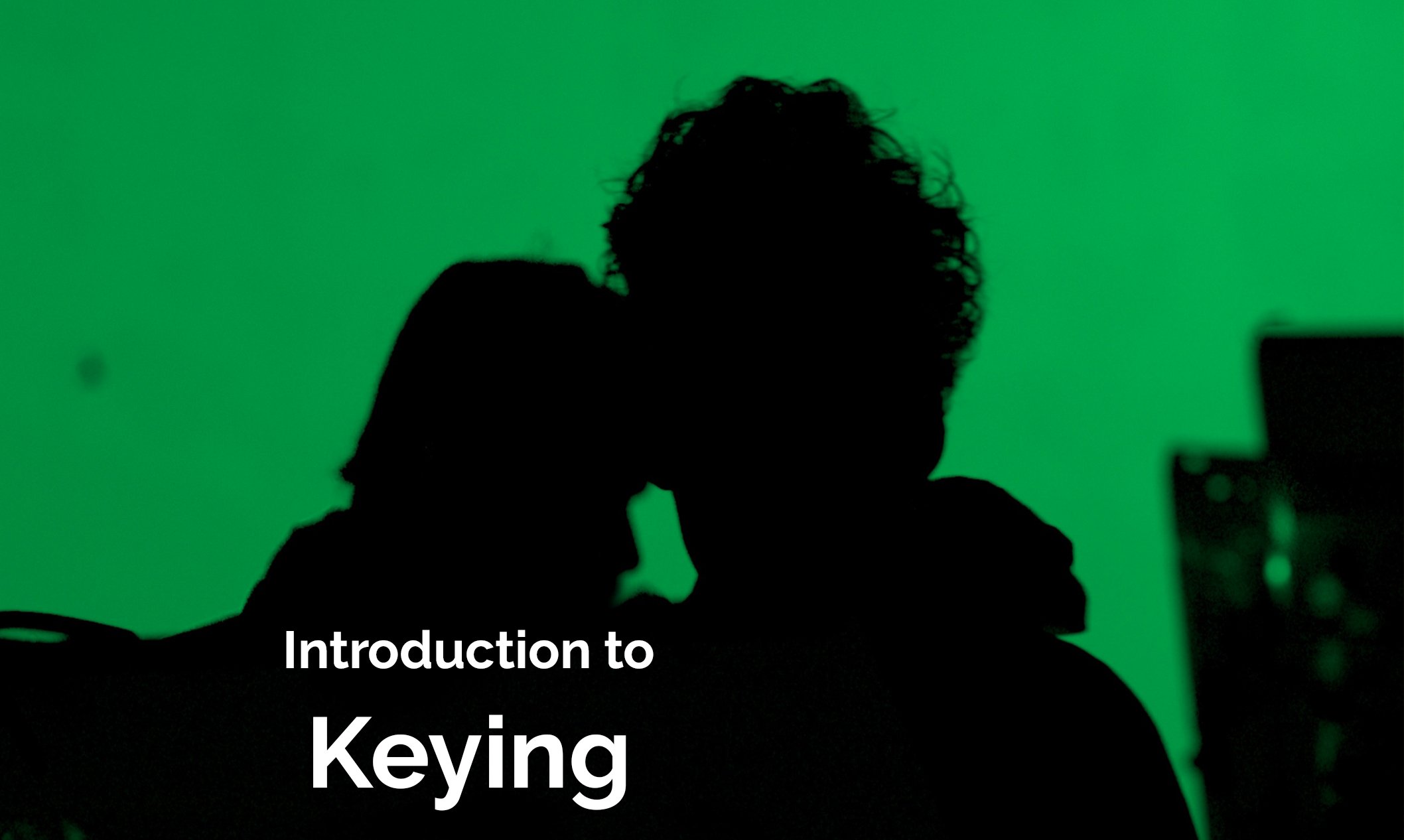 NK101
 NK202
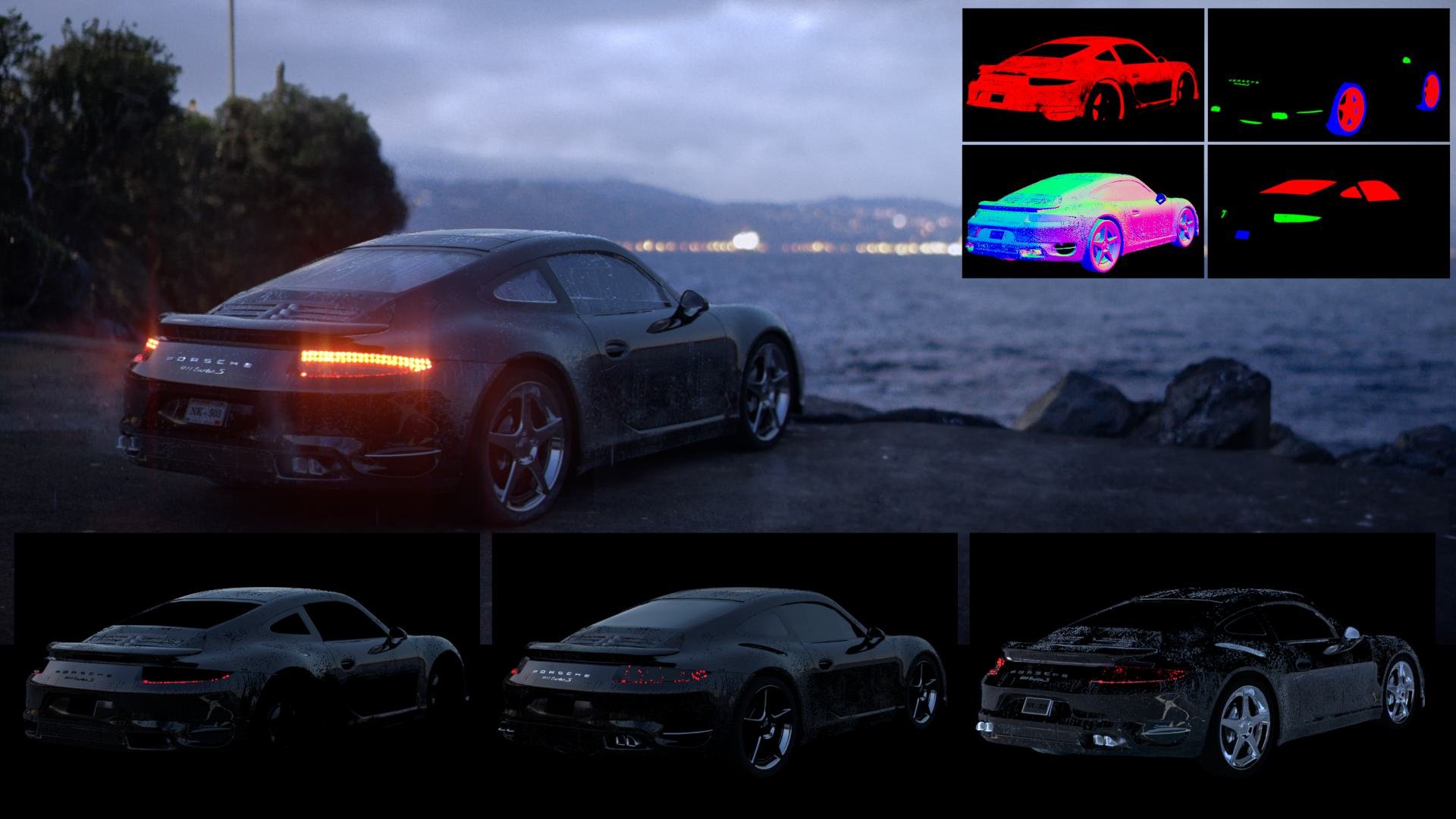 NK303
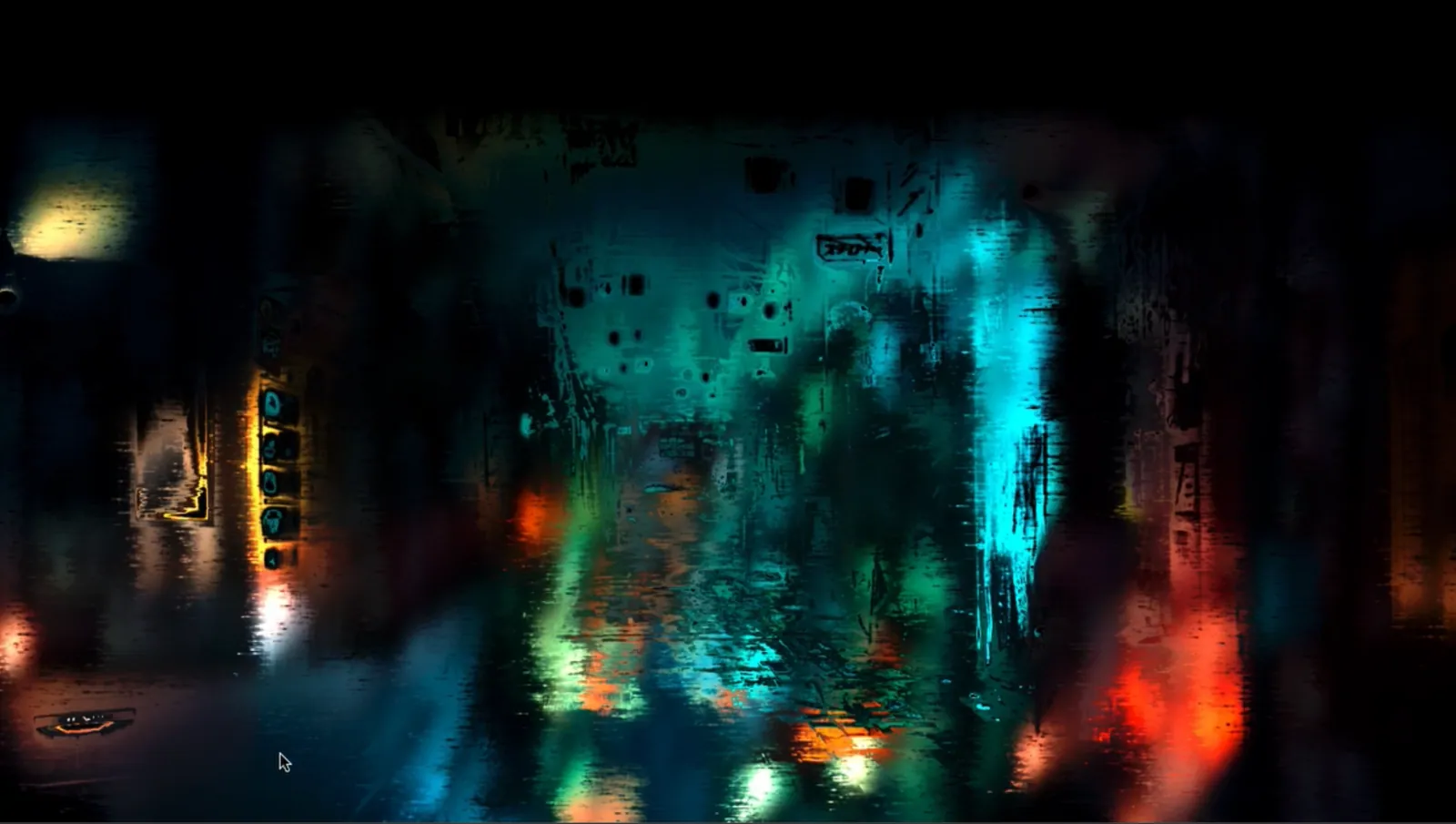 NK404★ Bonus
Specific workflows that pick up where the main courses end. Practice what you learned in new scenarios, and learn techniques for new kinds of shots.
 Get the bundle$549, one payment · $649 if bought separately
What happens when a feature film VFX artist goes rogue? Once you know Nuke, the workshop merges Blender, Nuke and new A.I workflows so you can light, render and composite your own CG shots like a resourceful filmmaker, on an indie budget.
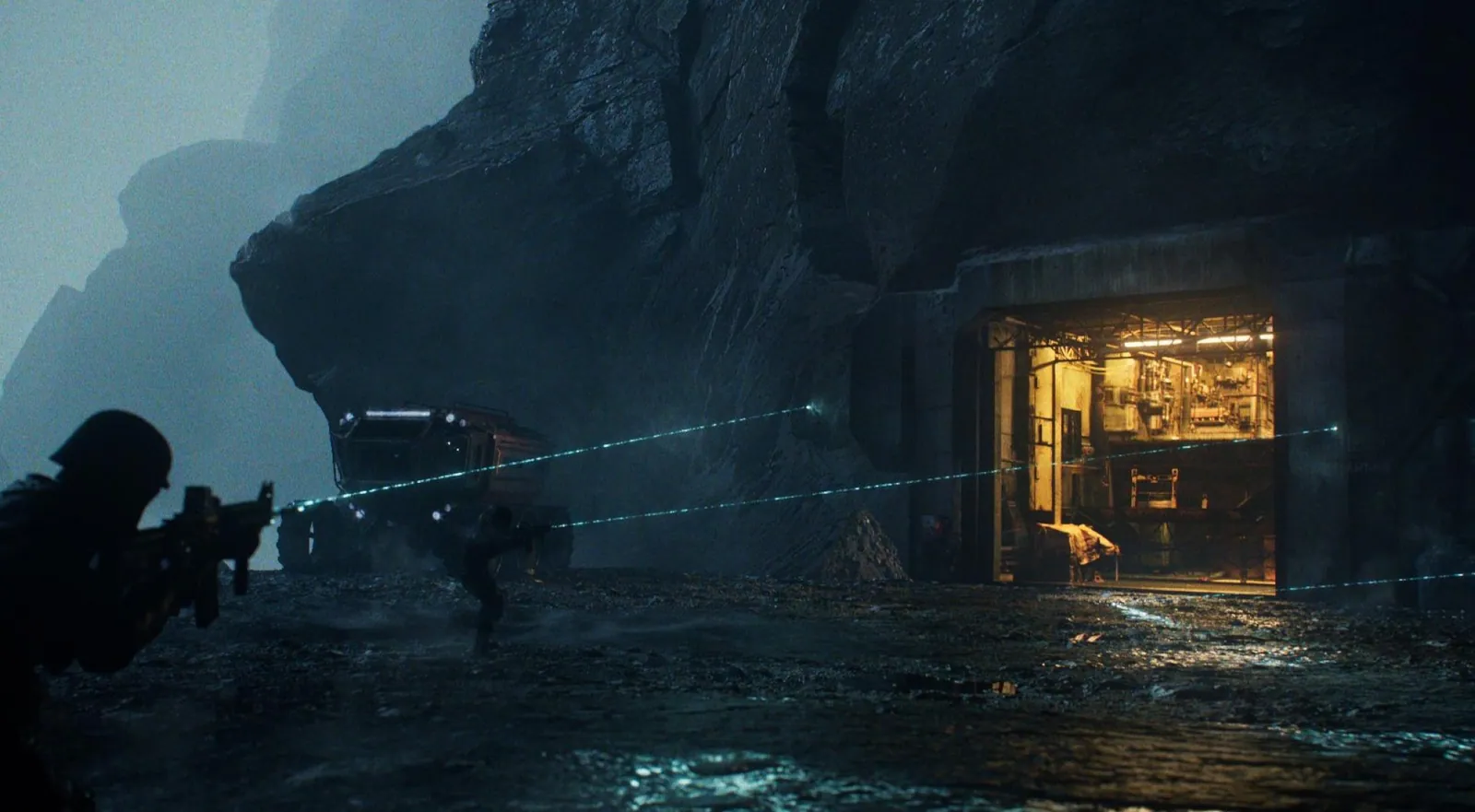
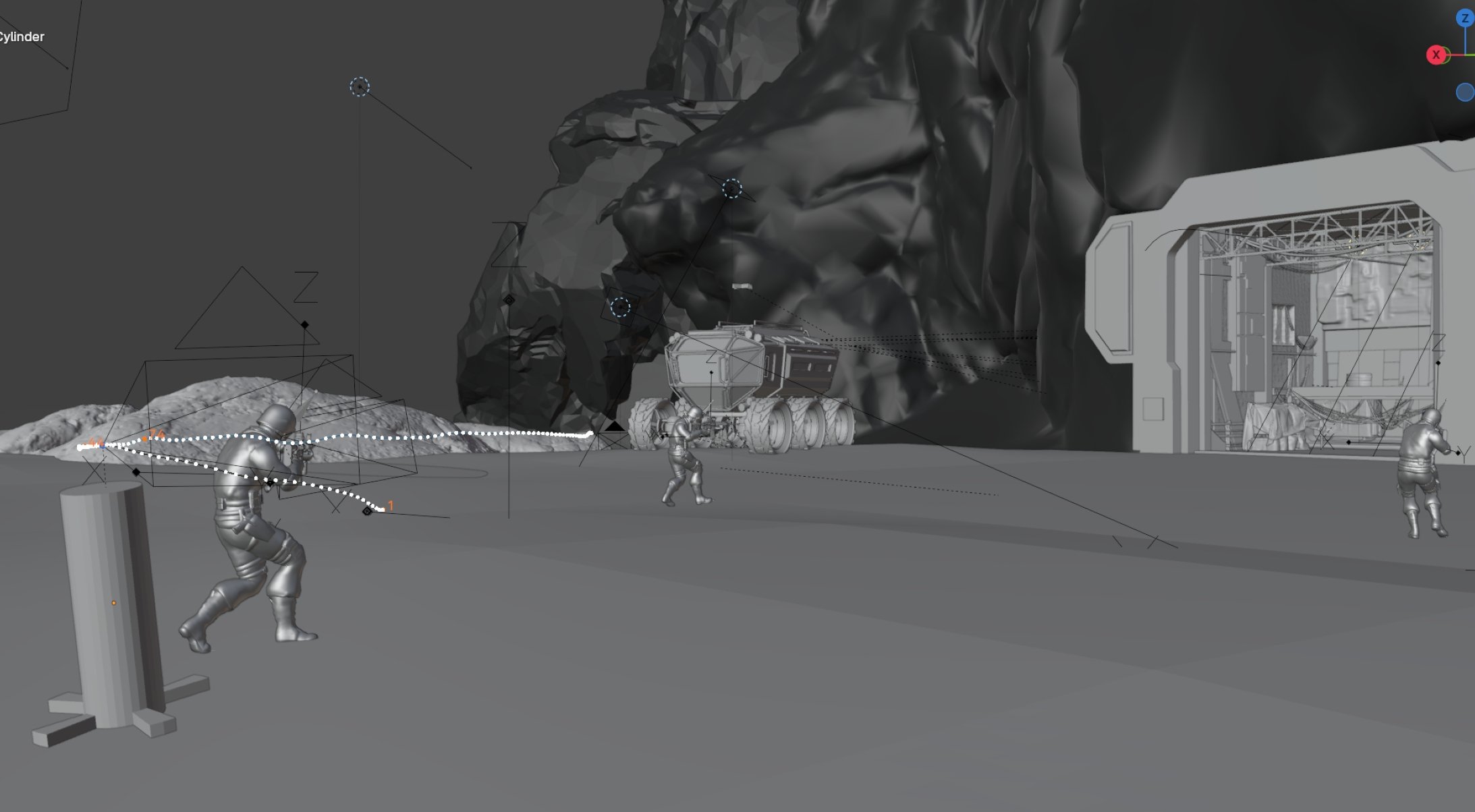
Lights, camera, action: simple techniques for cameras, animation and layout that make CG feel real.
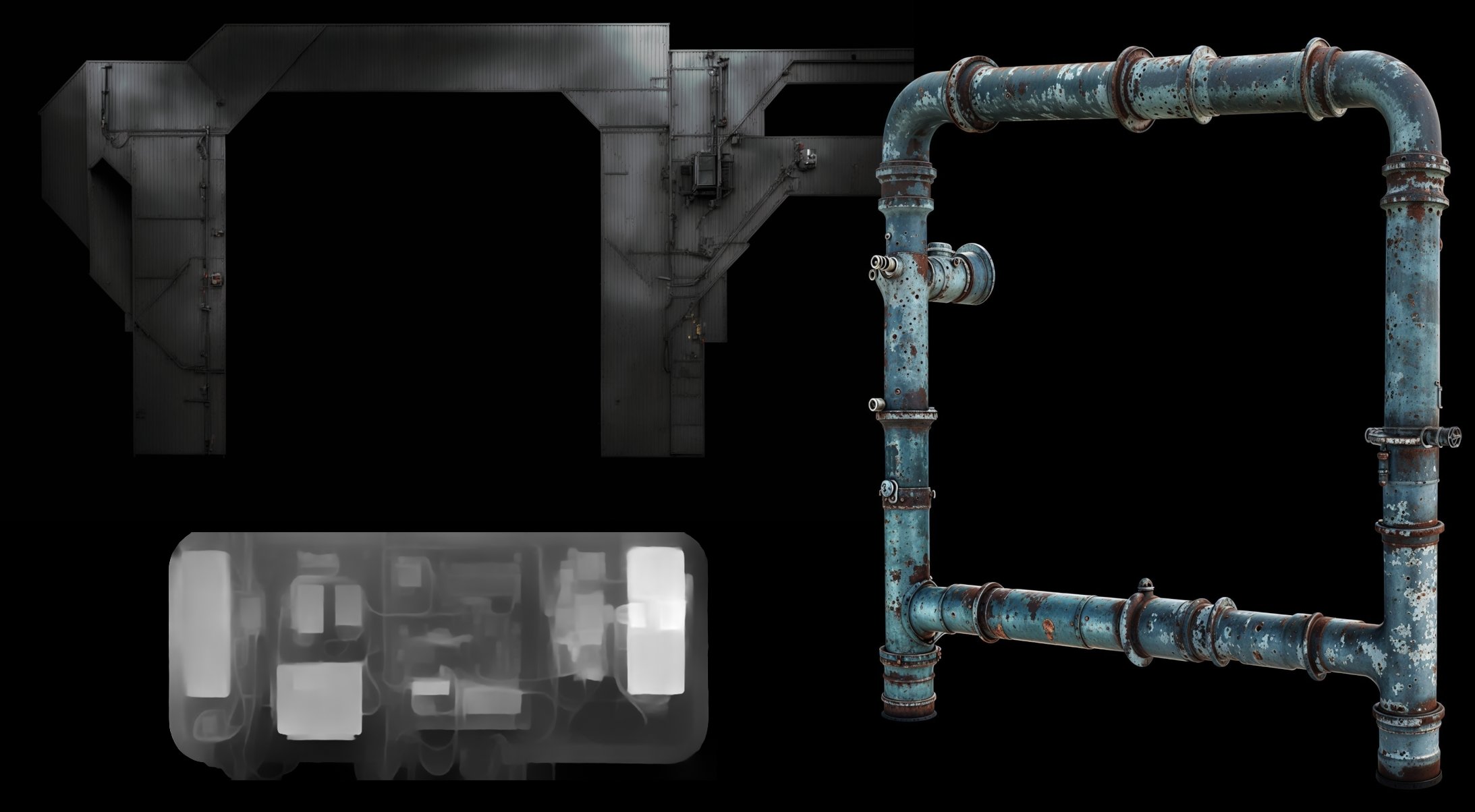
Quickly create scenes with A.I assets (2D, 2.5D, full 3D), and enhance existing CG assets.
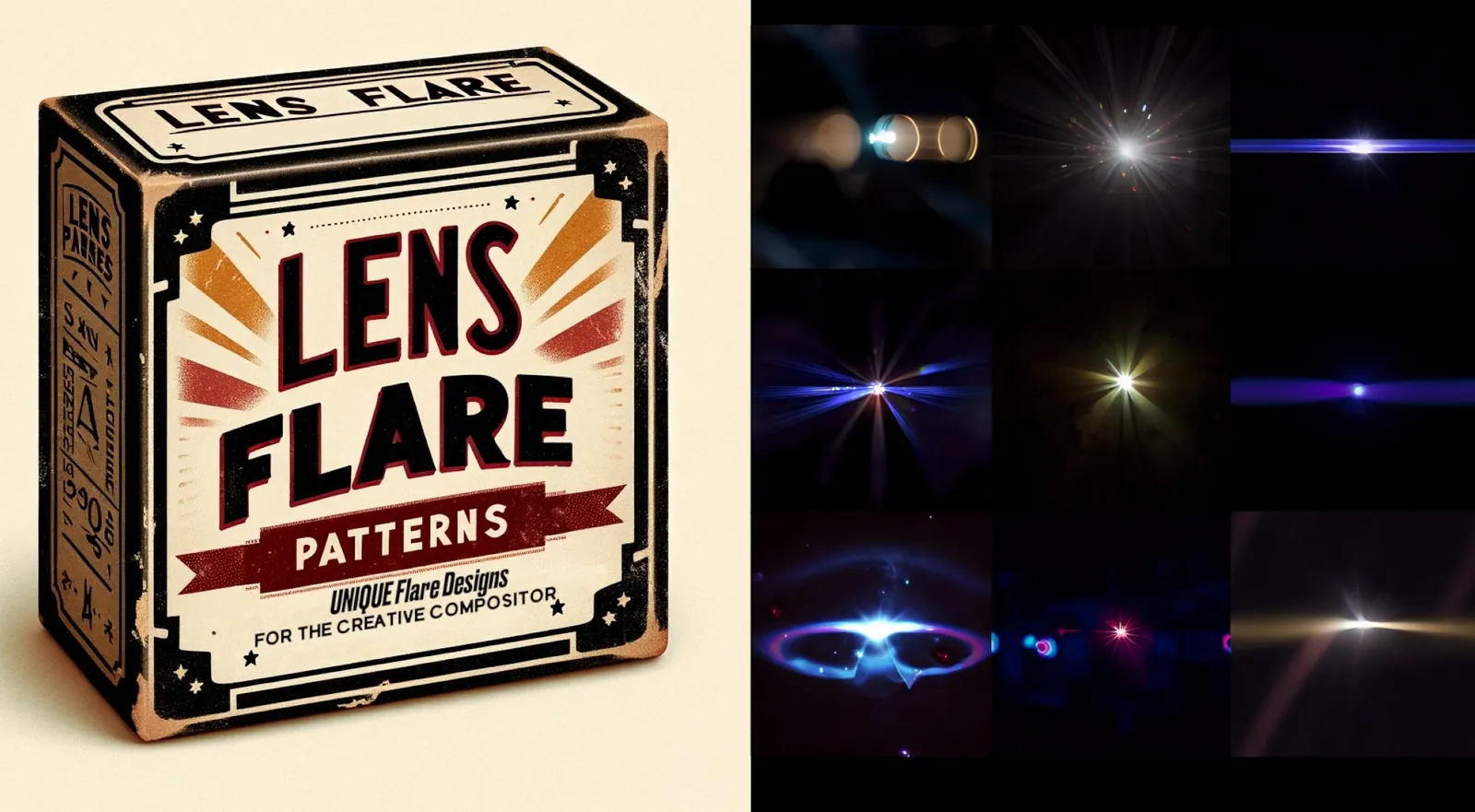
Over 100 flare textures, plus techniques to build procedural flares with them.

5 smoke assets (ground, air, puffs), captured professionally in 16 bit linear raw.
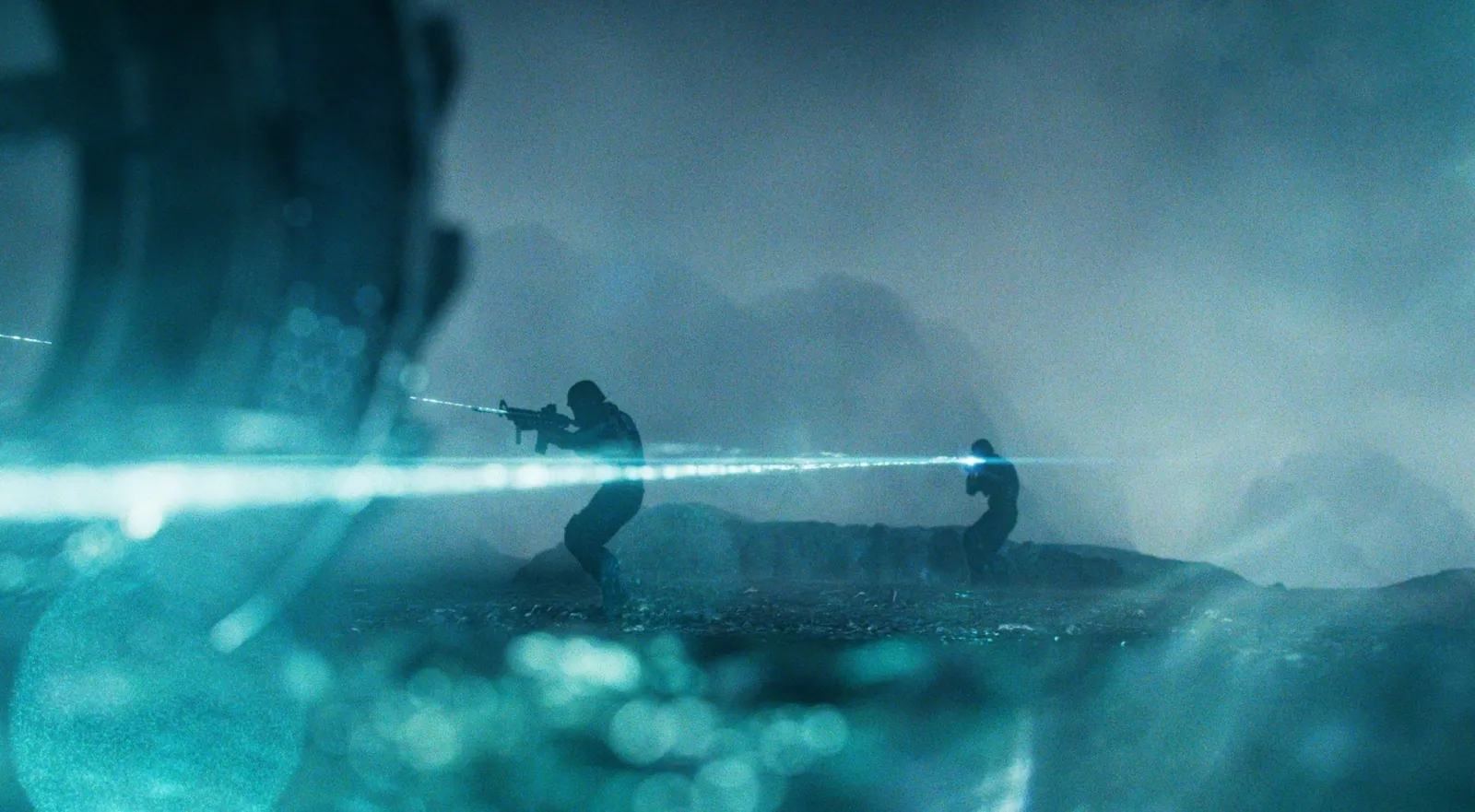
Layout, texturing, lighting and compositing, with the Nuke script to see every decision.
Take it after the Beginner Series. The workshop is intermediate and many of its techniques are only possible in Nuke, so the four courses get you ready for it. Blender experience is optional.
Save hundreds of hours scouring tutorials from different instructors, and know you're learning from real production experience.
"Alex shows how a compositor thinks. Feedback is precise, supportive and demanding, and I progressed faster than expected."
Words like "cinematic" and "photoreal" sound vague, but they're built on clear, repeatable principles. We teach each one through real shots.
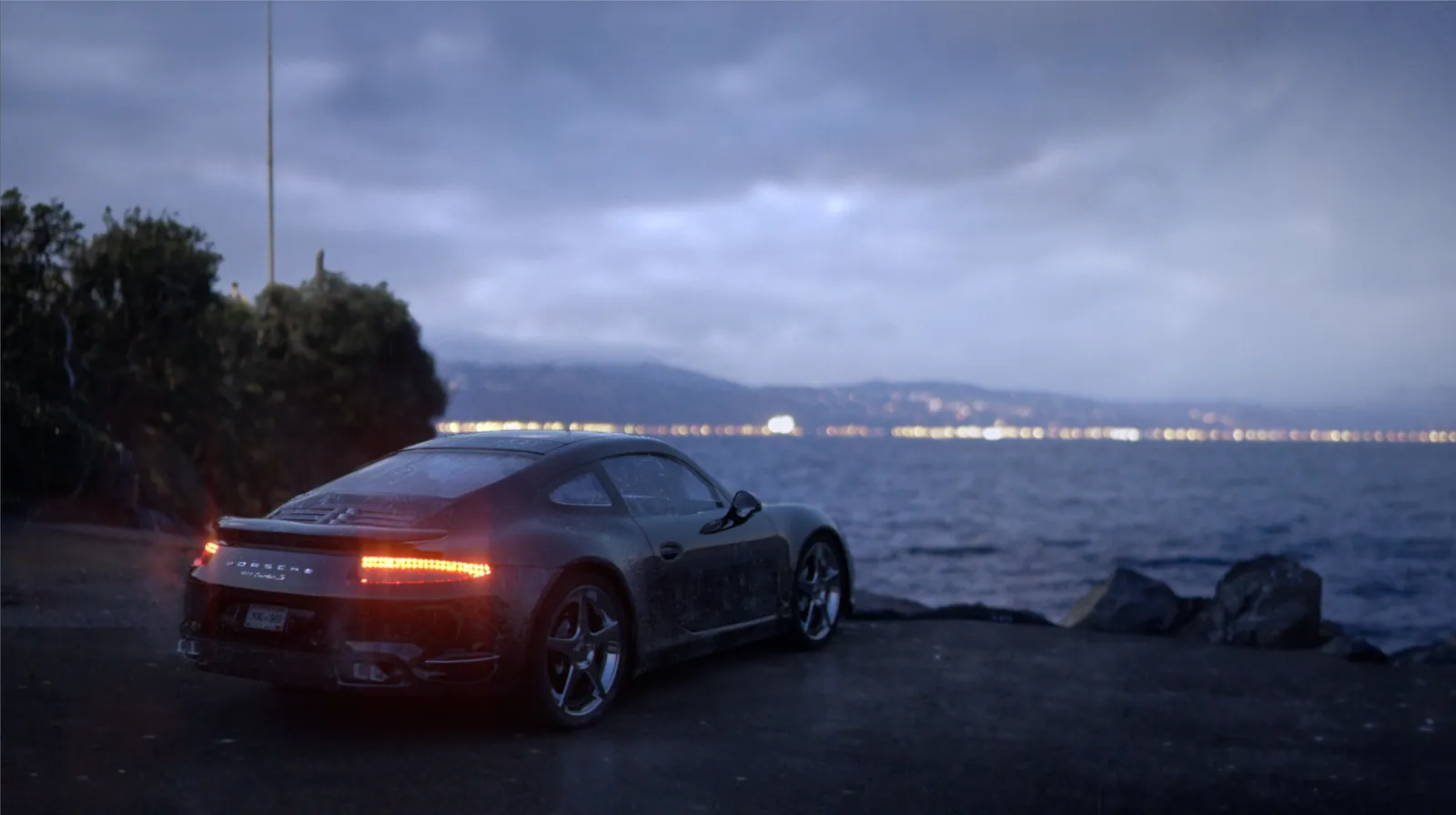
Combine computer-generated elements with live action until they're indistinguishable.
Clean greenscreen extractions and precise isolation.
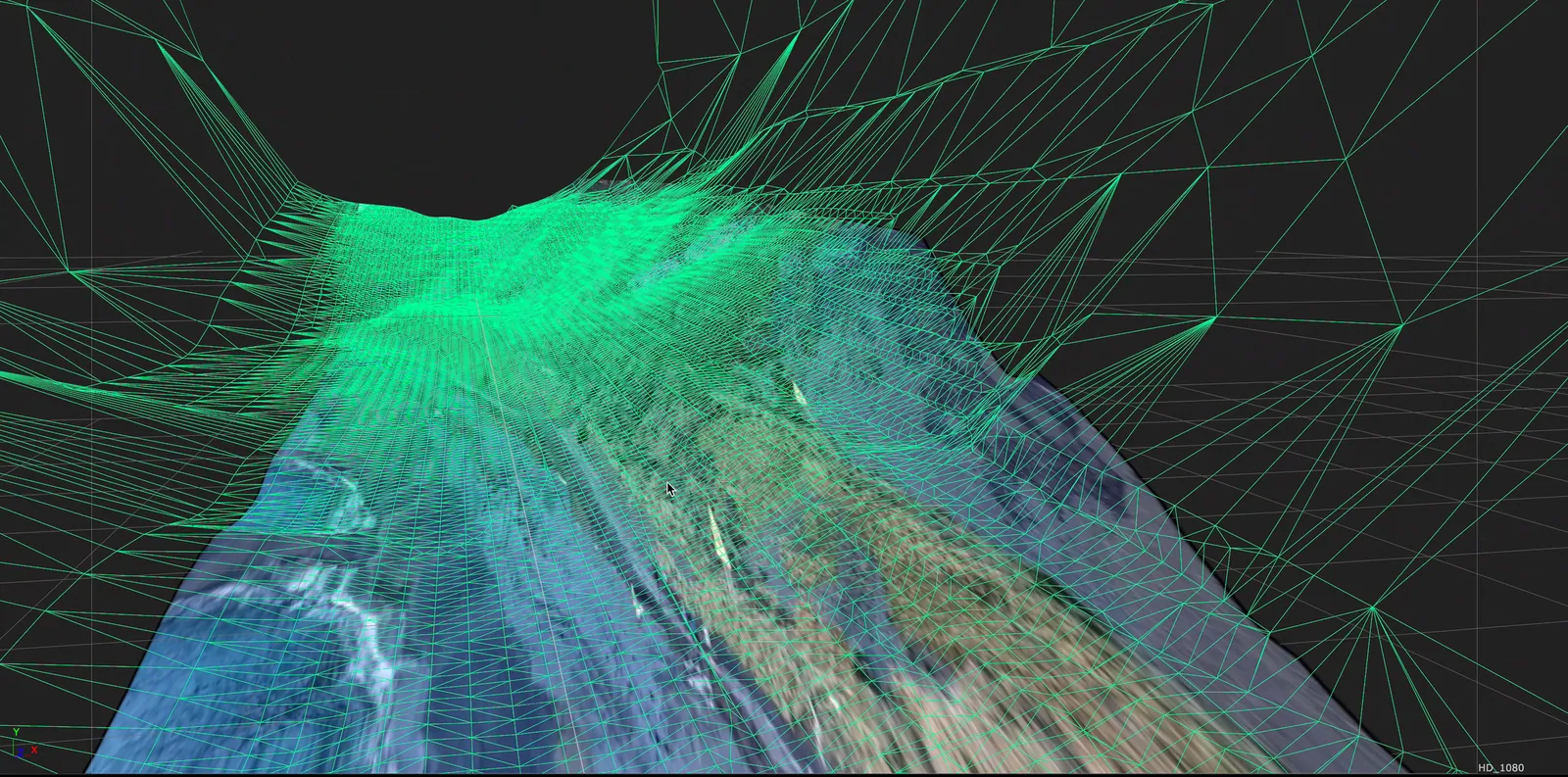
Lock elements to camera and object movement.
Matte paintings that blend with the plate.
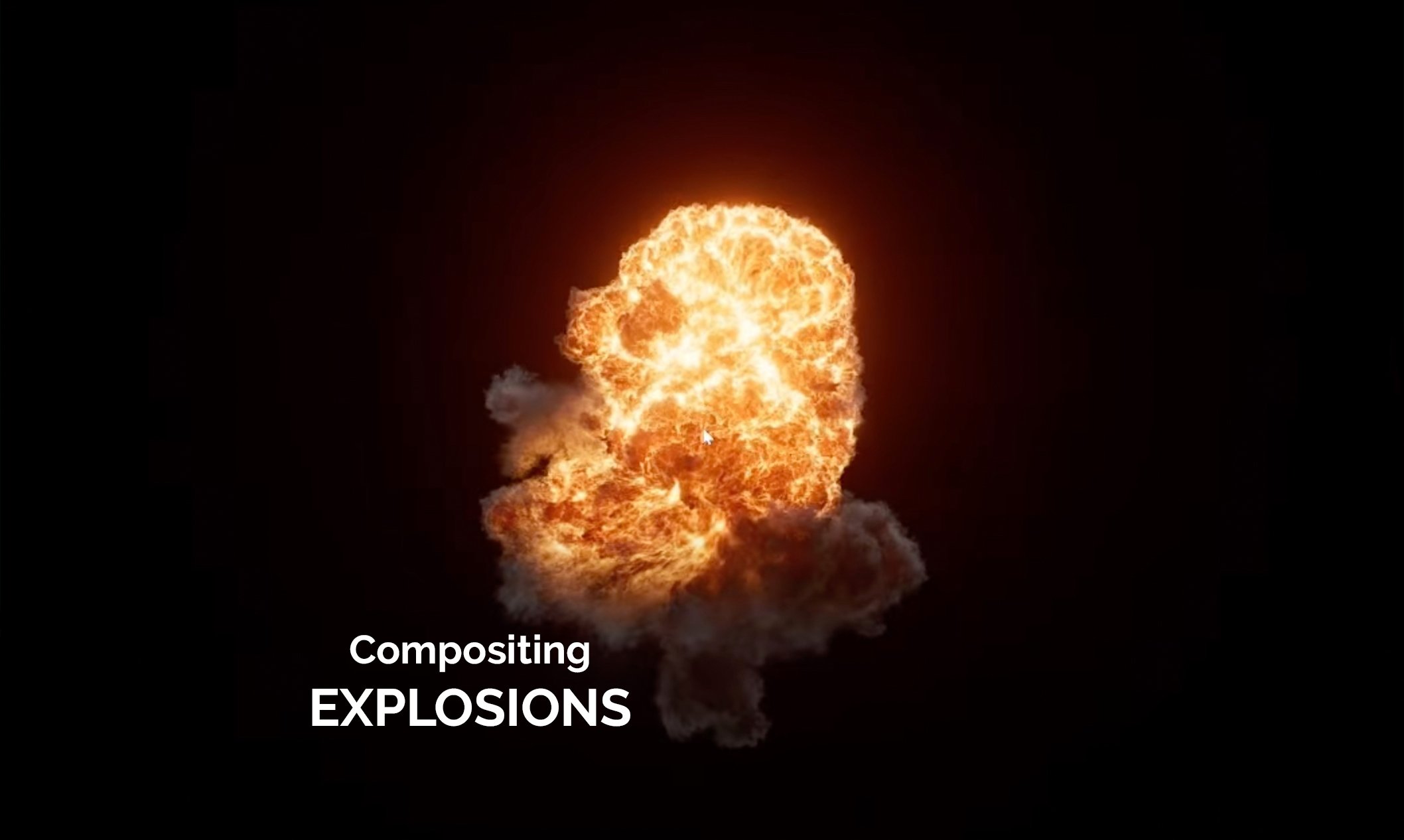
Tracked inserts, explosions and atmosphere.
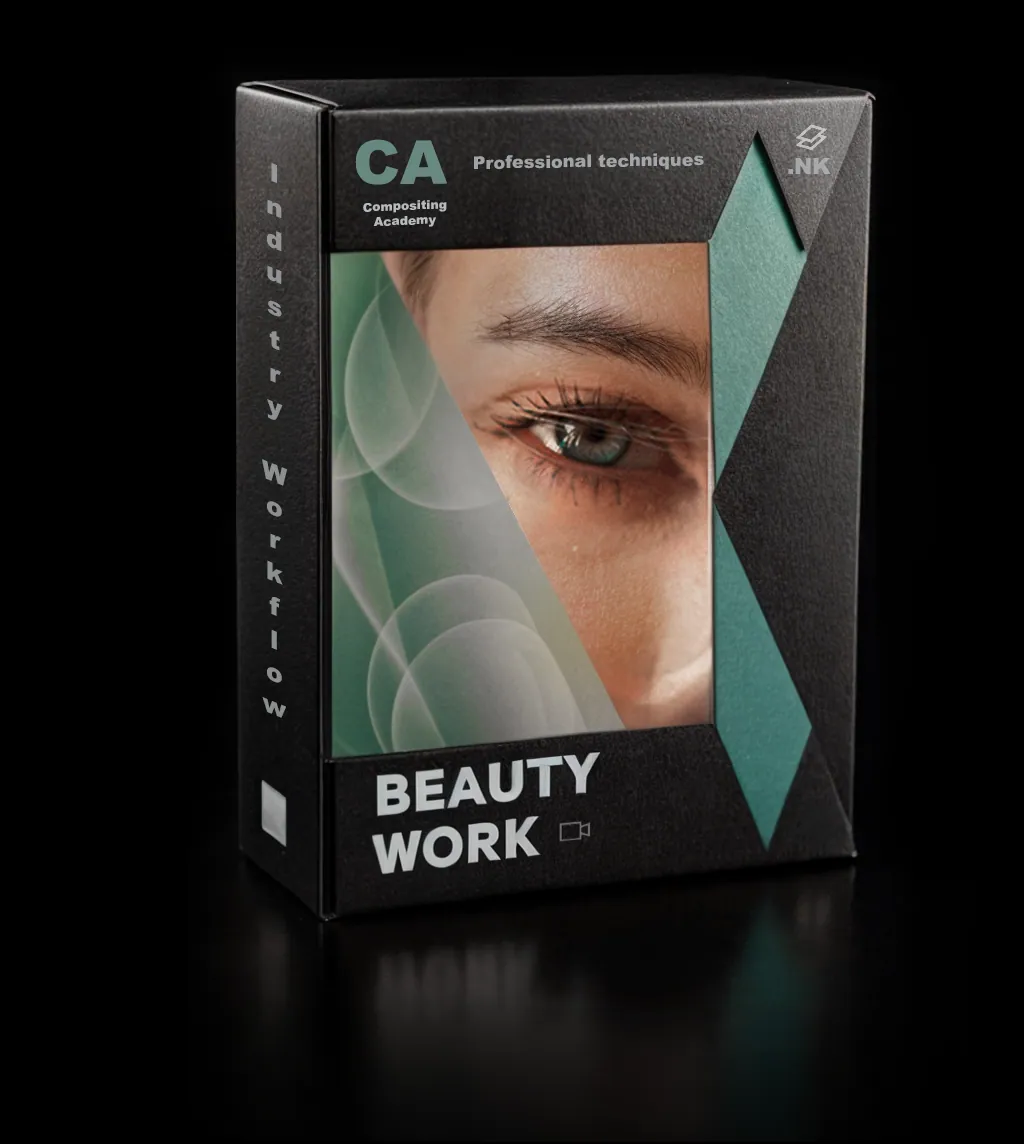
Beauty work and paint-outs nobody notices.
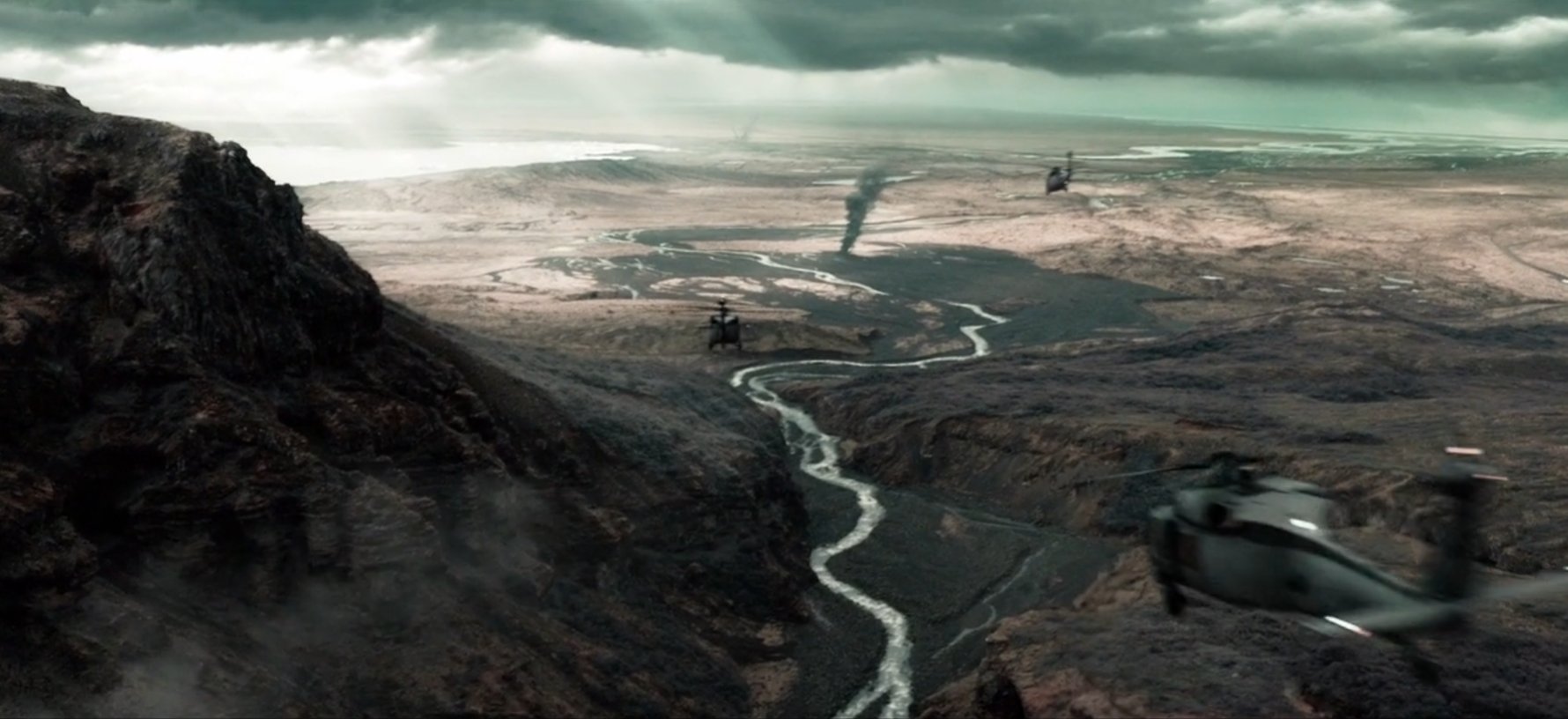
Train your photographic eye: light, color, cameras and lenses, so every element looks like it belongs in the same frame.
Get the bundle$549, one payment · $649 if bought separately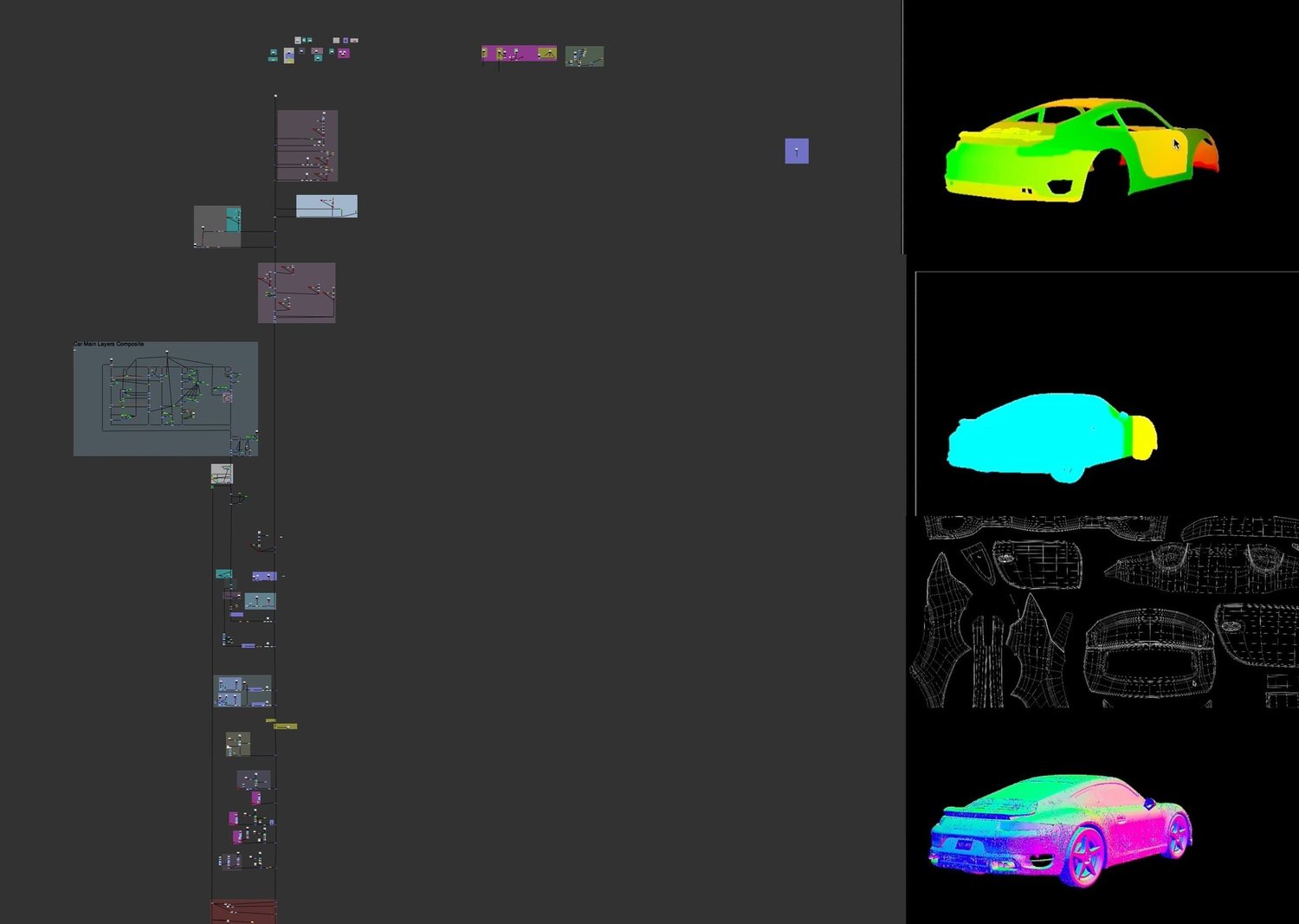
Integrate a CG car into a real coastal plate.
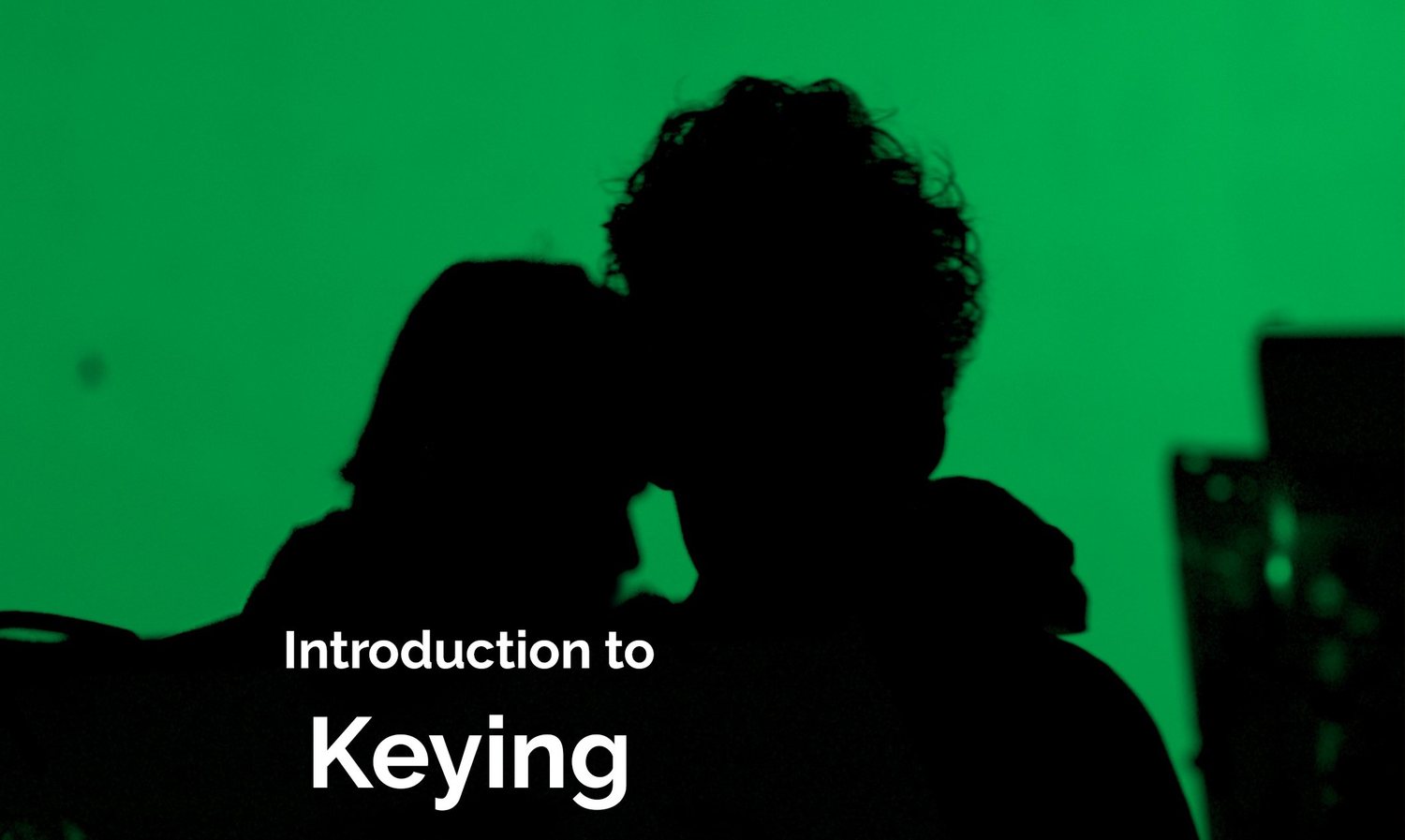
Pull clean keys and match the background.
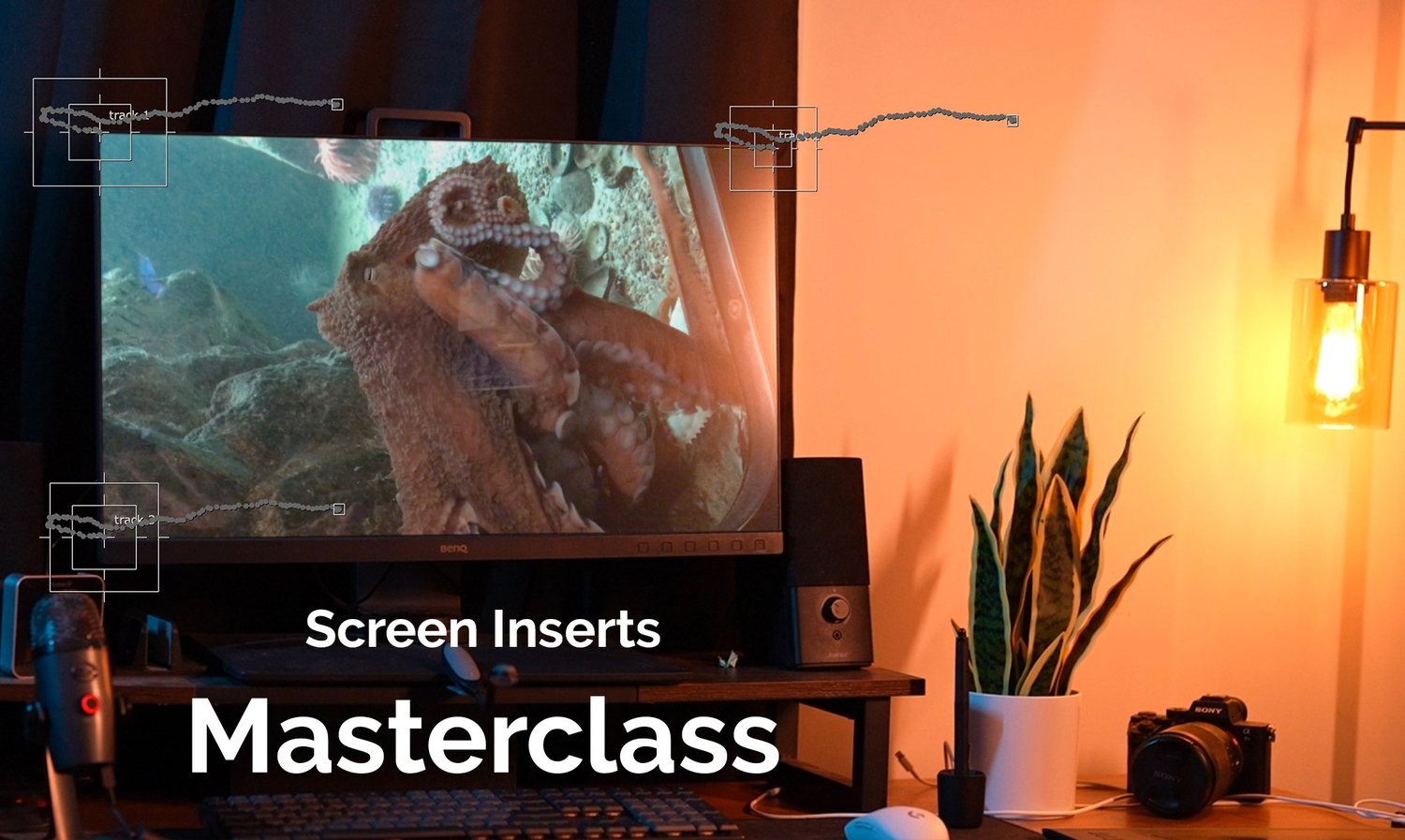
Track and replace screens with realistic reflections.
Extend locations with matte paintings.
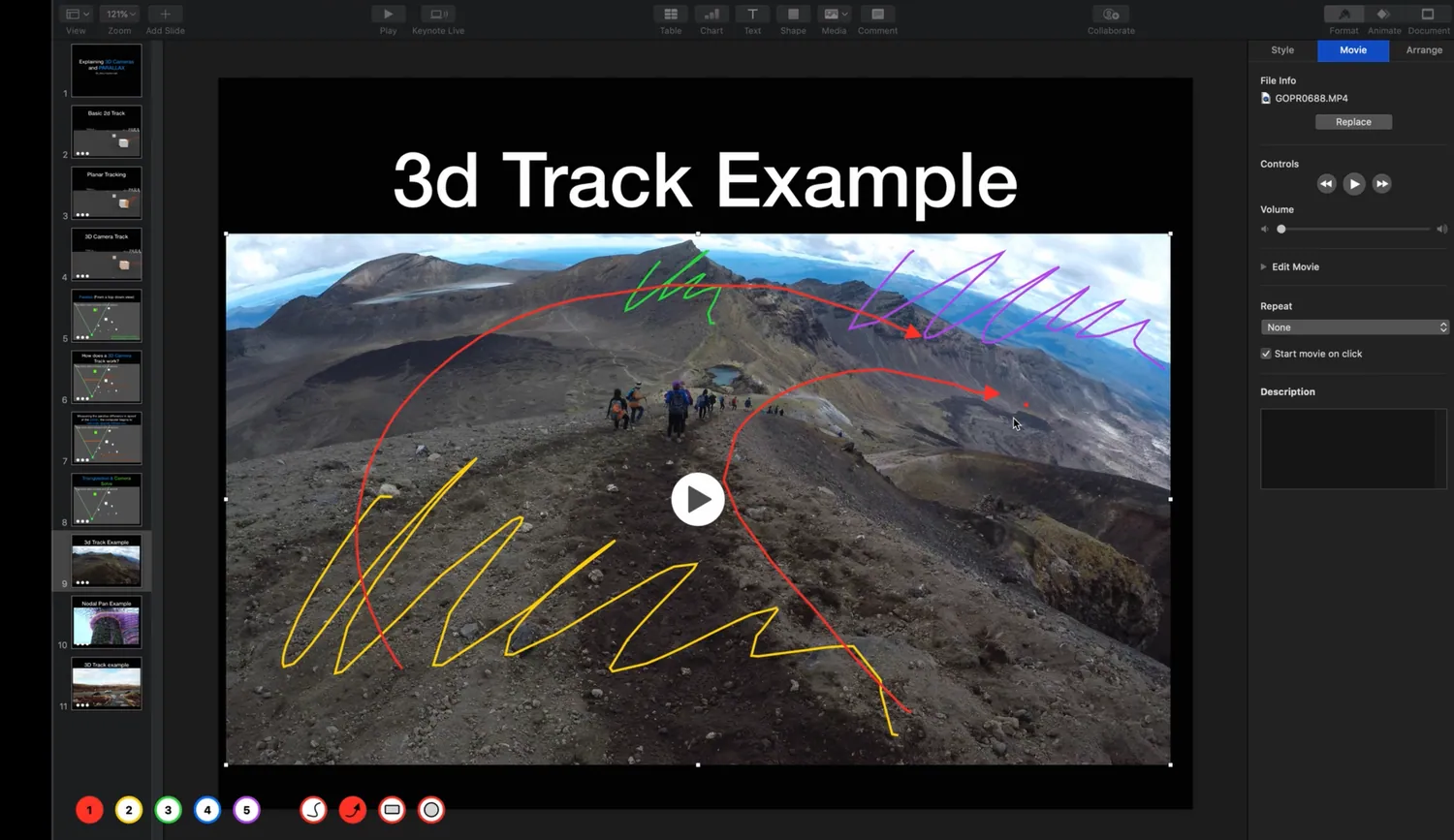
Identify which shot needs which kind of track.
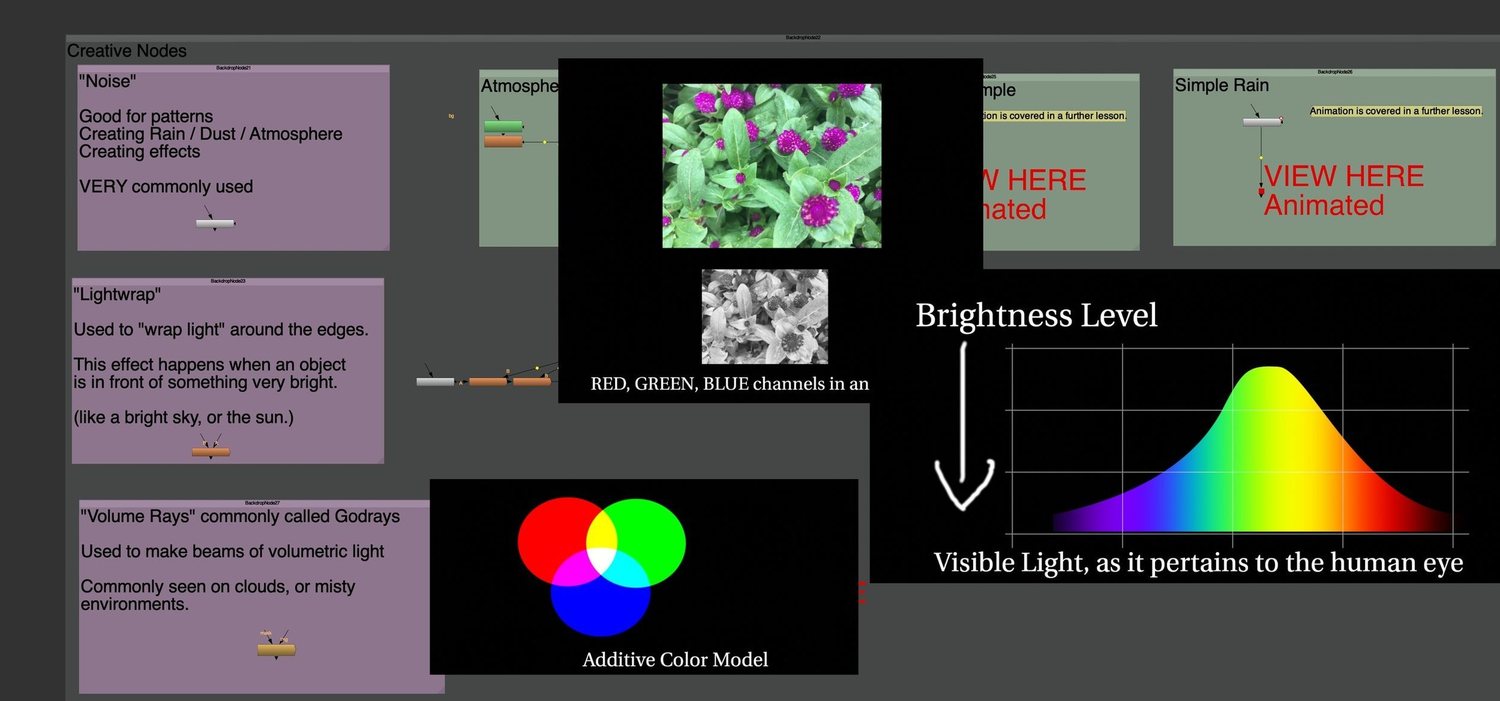
Re-lighting and material studies that train your eye.
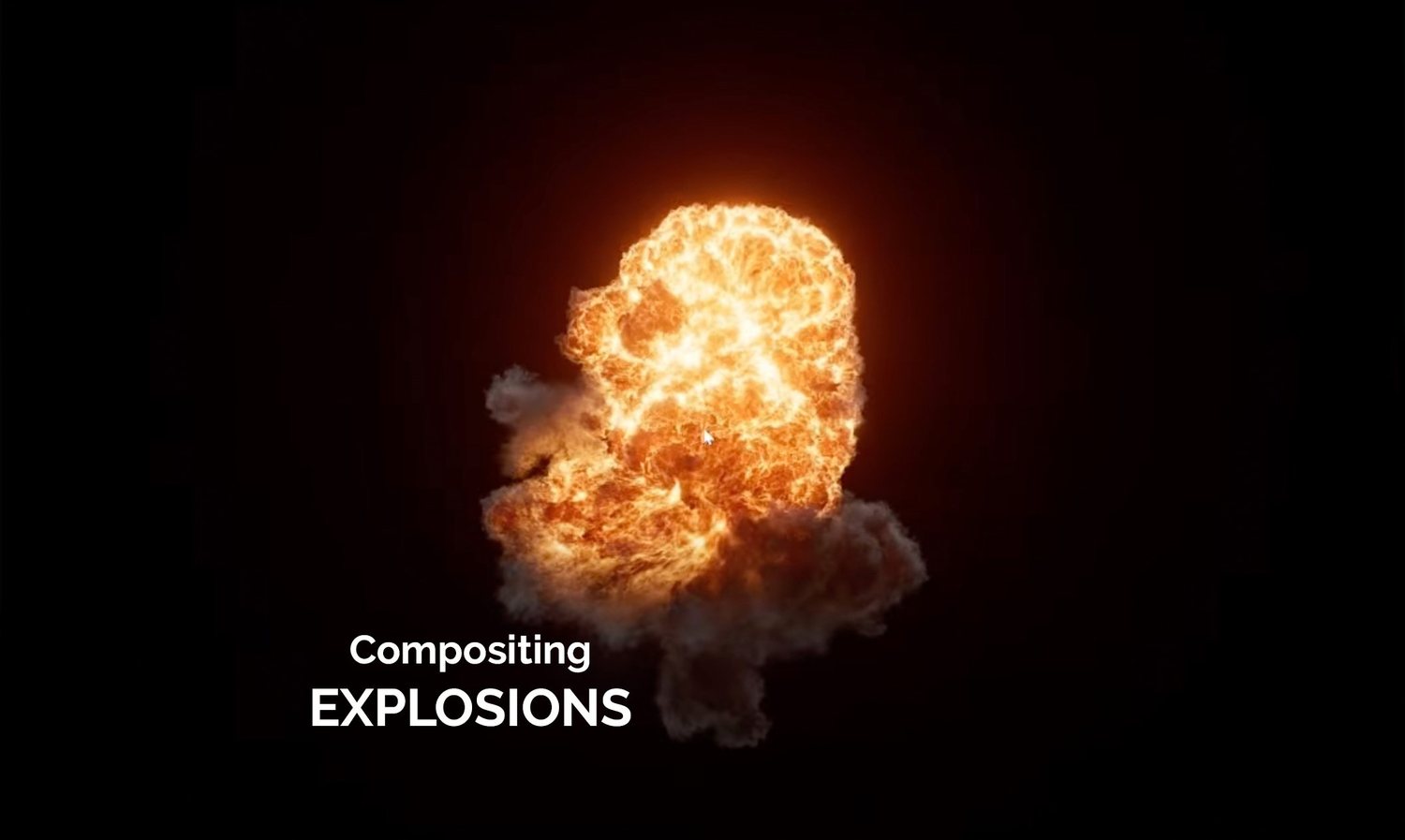
Layer explosions, particles and atmosphere.
Follow a Senior Compositor's scripts node by node.
"Definitely worth the investment! My technical compositing skill got better, and I got to apply techniques Alex taught to my own projects."
Step-by-step video lessons you can stream anytime.
Professional plates and CG renders to composite.
Project files to study exactly how shots are built.
Ask a Senior Compositor when you get stuck.
New practice shots added over time, free.
The Nuke Shortcut Guide to work faster.
Improvements to the lessons are included.
Learn whenever you want, with lifetime access.
Nuke Non-Commercial is a free download, and the whole series works with it. You learn the same software major studios use without paying for the software. And Blender, used in the workshop, is free too.
"This course gave me plenty of insight into the process, and tips I'd never have thought to use before."
You've never composited and want to learn it properly from the start.
You know another image tool and want to move into Nuke easily.
You want a career working on movies, TV or virtual production.
You want to polish your CG renders in Nuke and make your own shots.
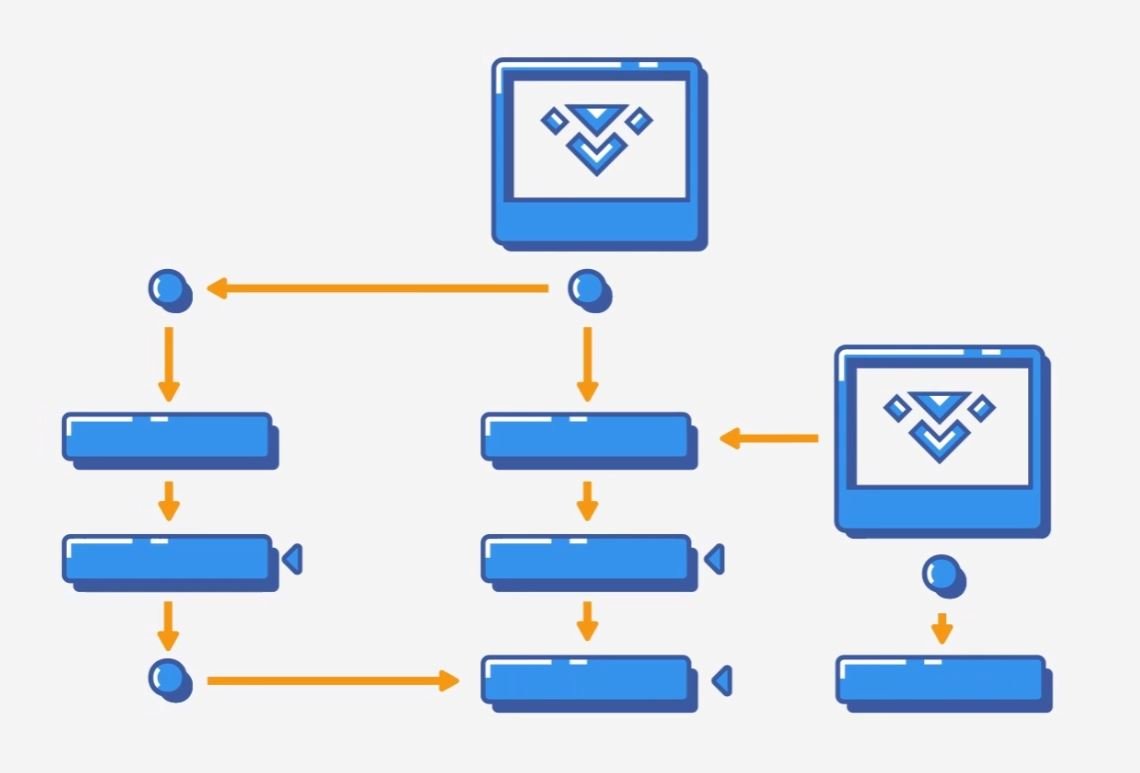
Nodes look intimidating at first, but they're just a visual map of your shot, one step at a time. We start from the very first node, and soon they give you the power to build more interesting and realistic VFX than layers ever could.
"After completing all the foundational courses, I built my demo reel using the course content and my personal projects. This reel helped me land my first job as a Junior Compositor. I can't thank Alex enough for guiding me toward my dream of working in the VFX industry."
"Thanks to your course, I was able to get a job offer as a compositor at a film company."

"That work eventually opened the door to projects where I contributed to Star Wars and other large-scale productions."
Get the bundle$549, one payment · $649 if bought separately"I learned more in these courses alone than I did during my bachelor's program in animation… He teaches you to look for and do things that you will actually encounter in your career. I'm also extremely grateful that he adds bonus projects to courses you've already paid for."
"This course was above my expectations: focused and practical without getting lost in basics."
No. The whole series uses Nuke Non-Commercial, which is free and has no watermark.
Yes. NK101 starts from the very first node, and each course builds on the last. Photoshop or After Effects users will move even faster.
The Beginner Series is 35+ hours of training and the workshop adds 2-3 hours. You learn at your own pace.
For the Beginner Series, 8 GB of RAM minimum is recommended, plus 60 GB of free storage and an internet connection fast enough to stream video. For the Blender workshop, 16 GB of RAM minimum (32-64 GB recommended) and about 50 GB more storage, as some smoke assets are 2-5 GB each.
After the Beginner Series. The workshop is intermediate, and many of its techniques are only possible in Nuke, so the four courses get you ready for it.
No. Blender is used as the example, but the workshop focuses on techniques, not software, and the 3D principles carry over to any package. Blender is a free download.
Yes, for non-commercial or commercial use in any film or game project. You can't redistribute them as stock footage or elements on their own. The license is for one person; studios can reach out for other licenses.
Lifetime access, including updates and new bonus projects.
You get email support from a Senior Compositor.
Nuke and Blender are free. The path is mapped out, from your first node to your own CG shots. A Senior Compositor is there when you get stuck.
Get the bundle ($549)