

True Volumetric Noise
For Nuke
Stop relying on 2D cheats. Create stunning volumetric clouds, fog, and atmosphere - with true depth and parallax directly inside Nuke.
VOLUMETRIC NOISE FEATURES
Hover over a pillar to reveal the workflow.
TRUE VOLUMES
Fully Three Dimensional Volumes. Rotate, Scale, and art direct volumetrics. Blend into your 3D Scenes naturally.
ART DIRECTABLE
Add multiple layers of erosion and distortion, to avoid the "repetitive noise look".
LIGHT & SHADOW
Real density control for shadowing and capturing light direction.
Longer Youtube Preview
Demonstration of Volumetric Noise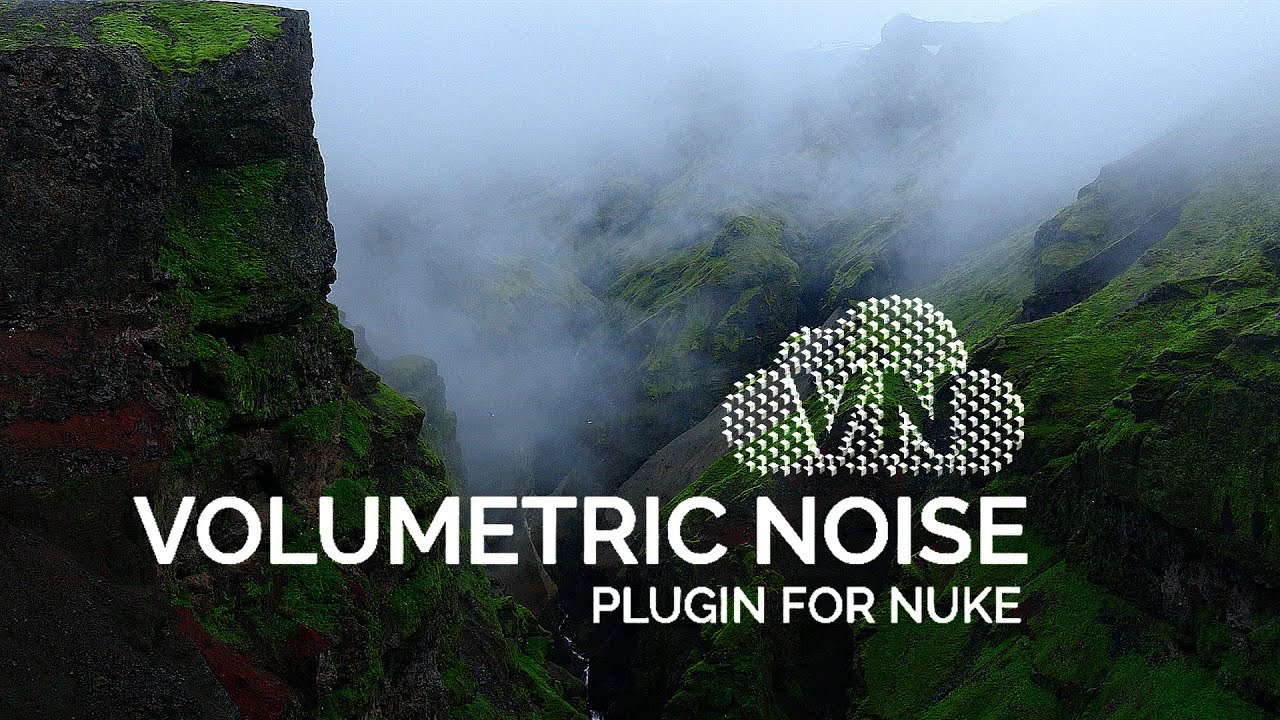
PLUGIN BREAKDOWN
Frequently Asked Questions
This tool was compiled and optimized for Nuke 16 and Nuke 17. You must have a Nuke Indie or Nuke Commercial License. We have confirmed successful testing on the following setups:
Some Nuke 15 versions have also been tested to work. Pro Tip: If you encounter issues in Nuke 15, try turning off "Vectorize CPU" in the Blink node settings. You can try the free DEMO download available on this page to test your specific machine before purchase.
Yes, you can render motion vectors from this toolset and use Vectorblur. This calculates the motion of the camera as well as the velocity of the noise.
Defocus is not supported inside the node due to performance overhead, but volumes in the foreground can be manually defocused effectively in a VFX context.
We strongly recommend Nuke 16+.